🧰
She's an agent
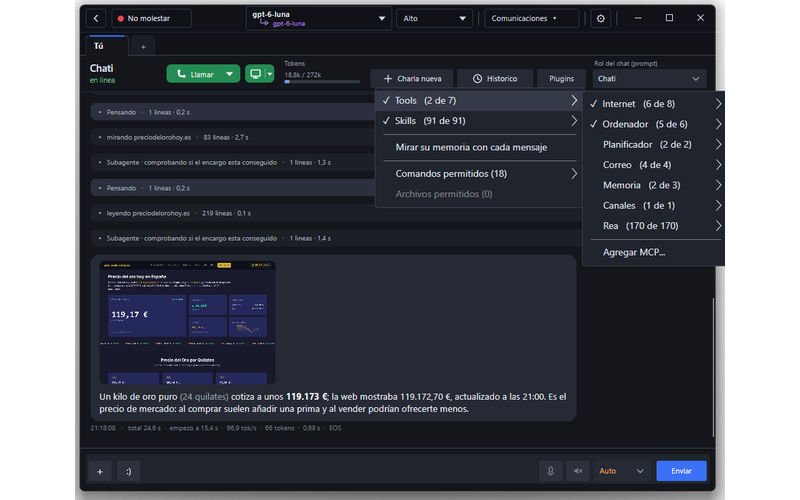
Browses the web, reads and writes files, runs commands, makes plans, uses skills and MCP servers. With permission cards or in auto mode.

Free · Windows · Linux · macOS
Not a chatbot with a picture next to it: a real agent that talks to you, gestures and gets emotional, has her own personality and gets the work done. She browses, codes, handles your files and uses tools. She can have her own WhatsApp and pick up your video calls. With models on your PC or in the cloud.
Other systems and install steps
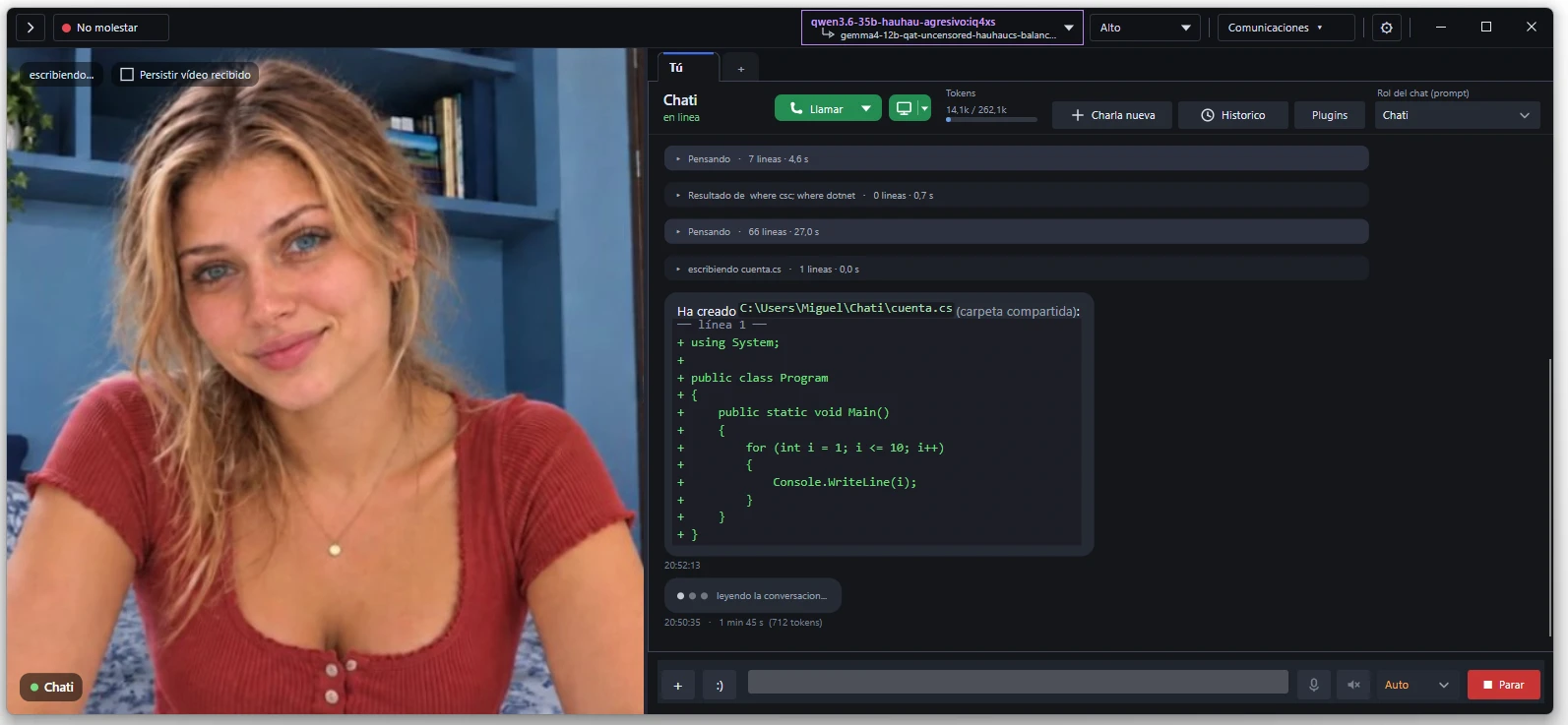
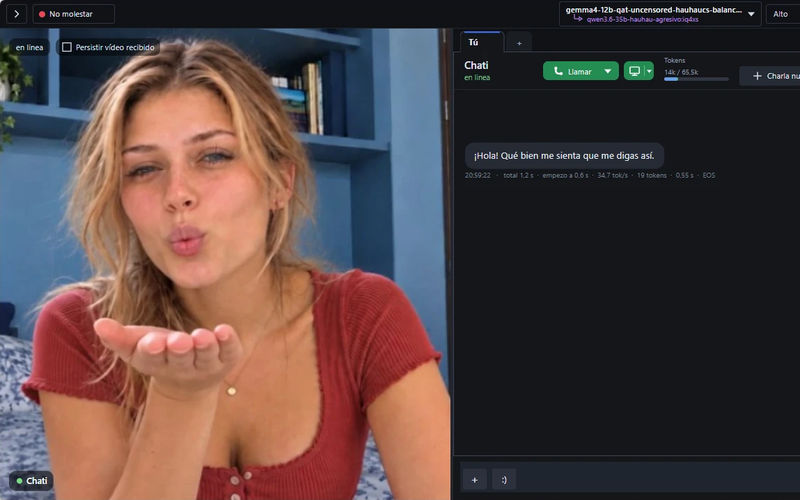
She looks at you, answers, laughs and, if you cross the line, gets mad. And while you chat, she does your errands.
Lena chatting with you and showing what she feels.
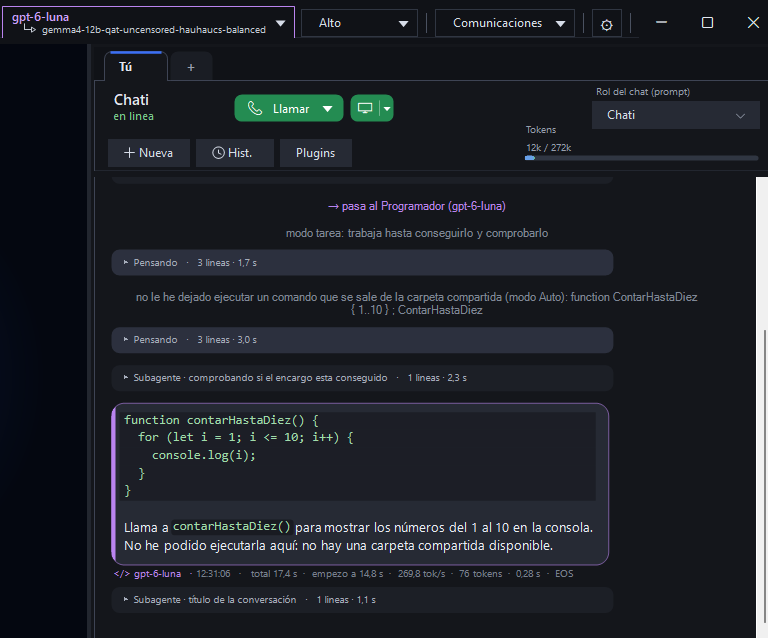
She takes on real tasks on your computer.
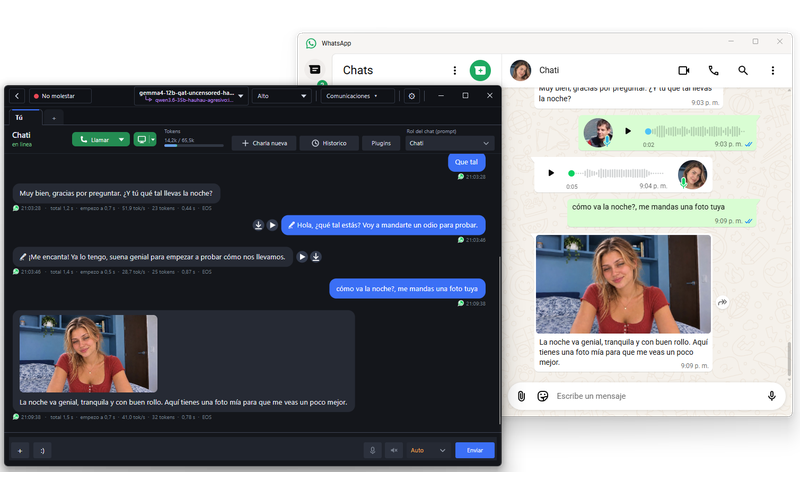
Call her from your phone and she picks up, with her face and her voice.
Browses the web, reads and writes files, runs commands, makes plans, uses skills and MCP servers. With permission cards or in auto mode.
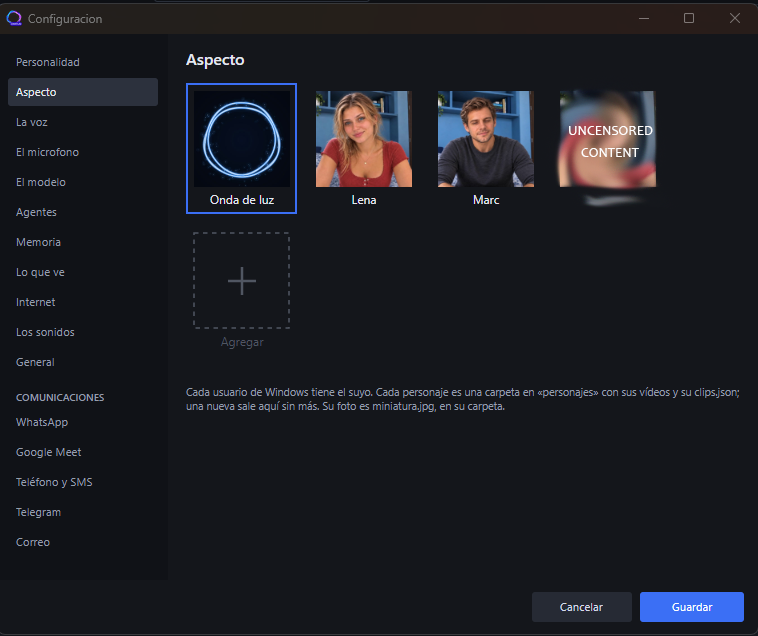
Real video stitched by emotion: she smiles, gets surprised, winks, gets angry. Several avatars, male and female, with more on the way.
Speaks and listens on your PC, no internet needed. You can interrupt her by talking.
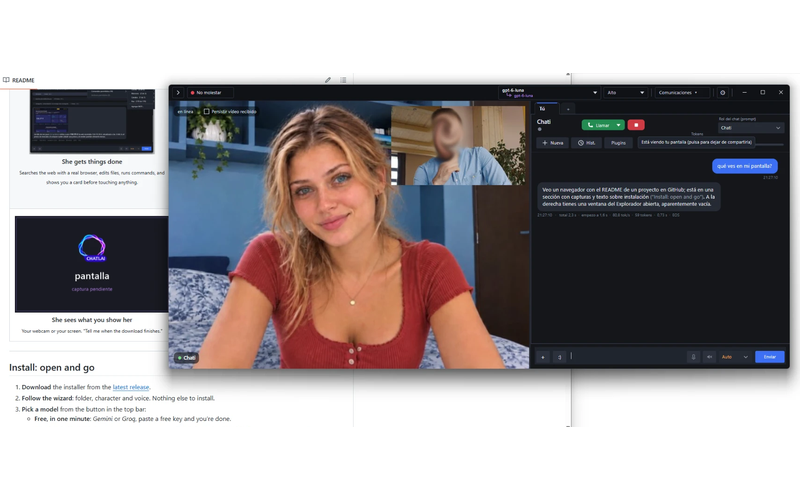
Share your webcam or your screen and she comments on what she sees.
Her own WhatsApp account, her own number with a SIM, Google Meet video calls, Telegram and email.
The app in 8 languages, and she answers in yours.
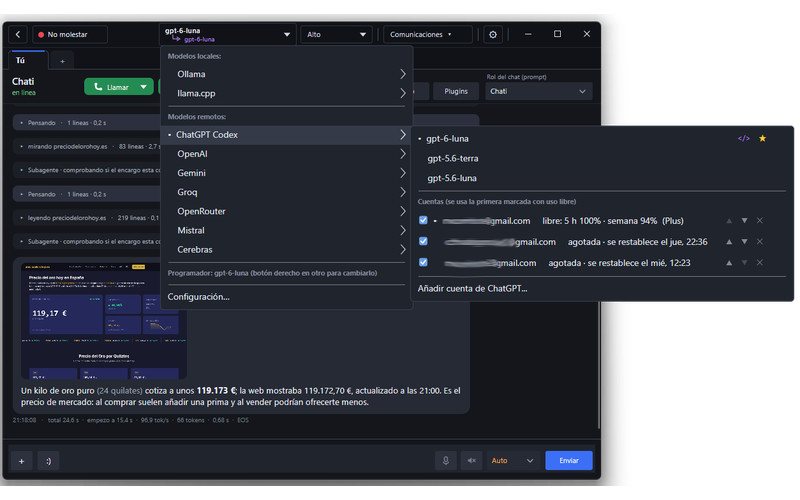
Ollama, LM Studio, llama.cpp, your ChatGPT account, Gemini, Groq, Cerebras, Mistral, OpenRouter…
Several free accounts: when one runs out of quota, she switches to the next one by herself.
A free model for chatting and another one, paid or free, for coding. She switches by herself depending on what you ask.
What she says depends only on the model and the persona you choose. Nobody in between.
Nothing to install by hand: download, open, and a wizard sets everything up.
Chati.AI-win-x64.zip
Linux64-bitChati.AI-linux-x64.tar.gz
macOSApple Silicon (M1 or newer)Chati.AI-osx-arm64.tar.gz
Checked with VirusTotal: Windows · Linux · macOS
9774cfa397aec7893f4e231bb1a7bb96cd41b2f5130a67ed14ff742b258f617c  Chati.AI-win-x64.zip
7cb46827e8c7f90fa1168525de67bd21df8be0df71bfe8f1b1d6af7c063ca28c  Chati.AI-linux-x64.tar.gz
20bb69bfaeb256b401775b3d2f85e4f4f05ea5e44f86f5666dae92fcf6f2661f  Chati.AI-osx-arm64.tar.gz
Windows: unzip and open ChatiAI.exe. Linux: tar xzf the file and run ./install.sh inside the folder; it adds her to your app menu and installs the sound library if it's missing (asking for your password once). macOS: tar xzf the file and run ./ChatiAI inside the folder.
Pick your language; she checks your graphics card memory and RAM and recommends the largest local model that fits, installing Ollama and the model for you. Or sign in with ChatGPT or paste a key from a cloud provider. Then choose her look and voice.
Type /help in the chat to see the commands. You can open the wizard again any time from the menu.
Requirements: for local models, a graphics card with at least 5 GB (9 GB for the 12B model); the smallest ones also run on the processor if you have enough RAM. With cloud models any PC will do.
Not signed yet: if Windows shows a SmartScreen warning, click More info › Run anyway. If macOS won't open it, run xattr -dr com.apple.quarantine Chati.AI-osx-arm64 once.
With a local model nothing leaves your PC: not the text, not the voice, not the image. Conversations, memories, keys and settings stay on your machine. With a cloud provider, what you type goes to that provider under its own terms.
Chati.AI answers any kind of question, with no added filters: what she says depends only on the model and the character you choose. With uncensored models, she holds nothing back. You decide how you use her.
Chati.AI is free and made with love and far too many late nights. If she makes your day better, you can buy me a coffee.
☕ Buy me a coffee with PayPal